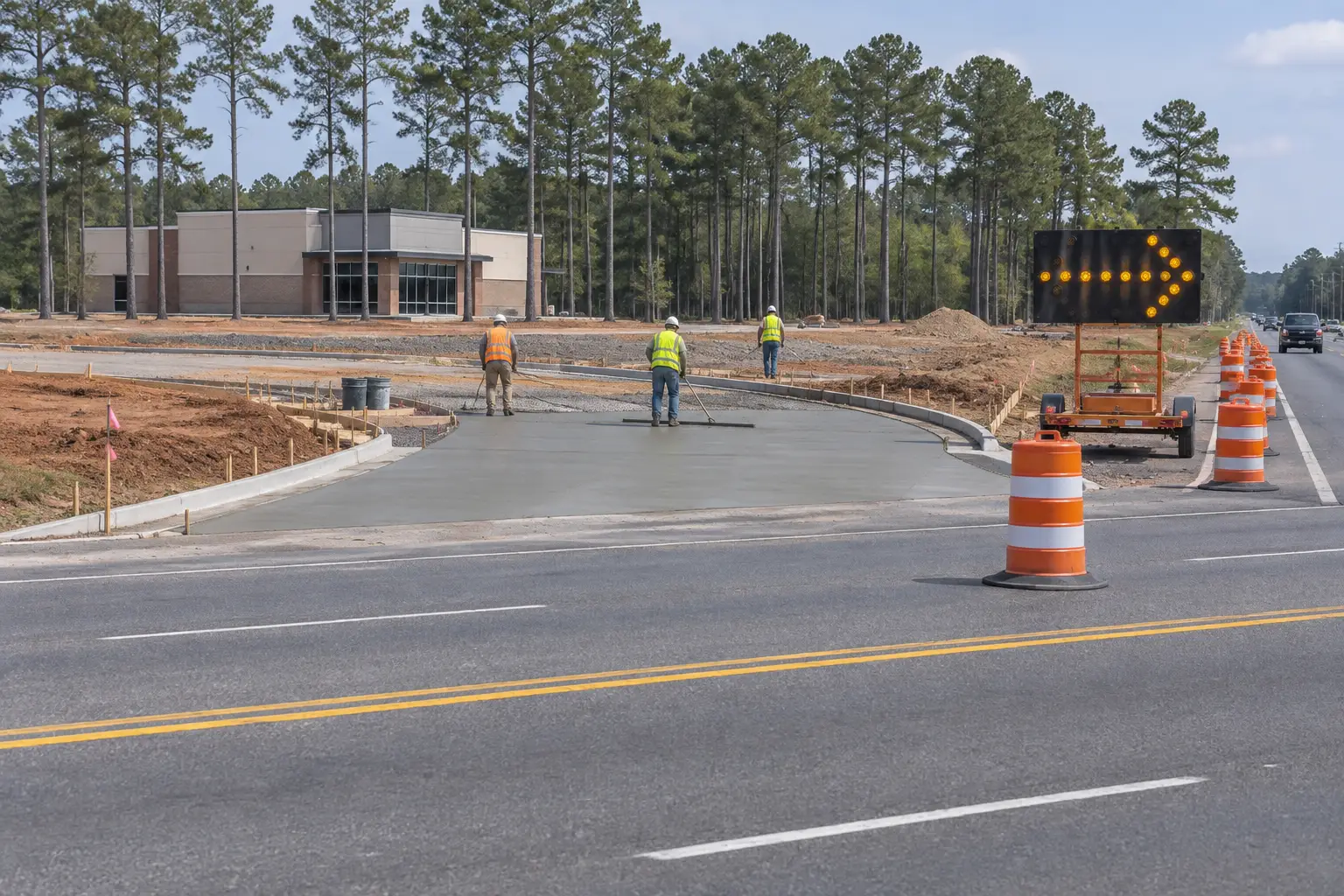
Intake, state approval, filing, review, comments, issue, inspections, closeout. Which stages you can plan around, which ones wait on you, and when it is safe to book the crew.
The portal shows every job as a line of stages. The names are short, so here is what each one means and what you can do while a job sits in it.
See it with sample projects
Five made-up jobs at different stages. No sign-in, nothing to install.
Open the portal demo1. Intake
We collect what the agency will ask for: the site plan, the owner's authorization, insurance, and a description of the work. This stage moves as fast as the documents arrive. It is the one stage where you control the clock.
2. State approval
If the road is maintained by NCDOT, the state's driveway permit or encroachment agreement usually comes first. Jobs on city streets skip this stage.
3. Filed
The package is with the agency and you get the confirmation. Filed means the agency has it. It does not mean anyone has read it yet.
4. In review
A reviewer is checking the package. The portal shows the day count next to the typical time for that agency. There is nothing for you to do here.
Book the crew on "Issued", not on "Filed".
5. Comments
Most packages come back with at least one question. We draft the answers and tell you if one needs your input, such as crew hours for a lane closure. A fast answer from you here saves more time than anything else in the process.
6. Issued
The permit exists and is in your documents. This is the stage to book the crew on. Read the conditions on the permit first: work hours, notice periods and the traffic control it requires.
7. Inspections
The agency inspects the work, often more than once. We request each inspection and post the result the day we get it.
8. Closeout
The final inspection has passed and the permit is closed. An open permit can hold up a sale or a certificate of occupancy years later, so this stage matters more than it looks.
Sample post